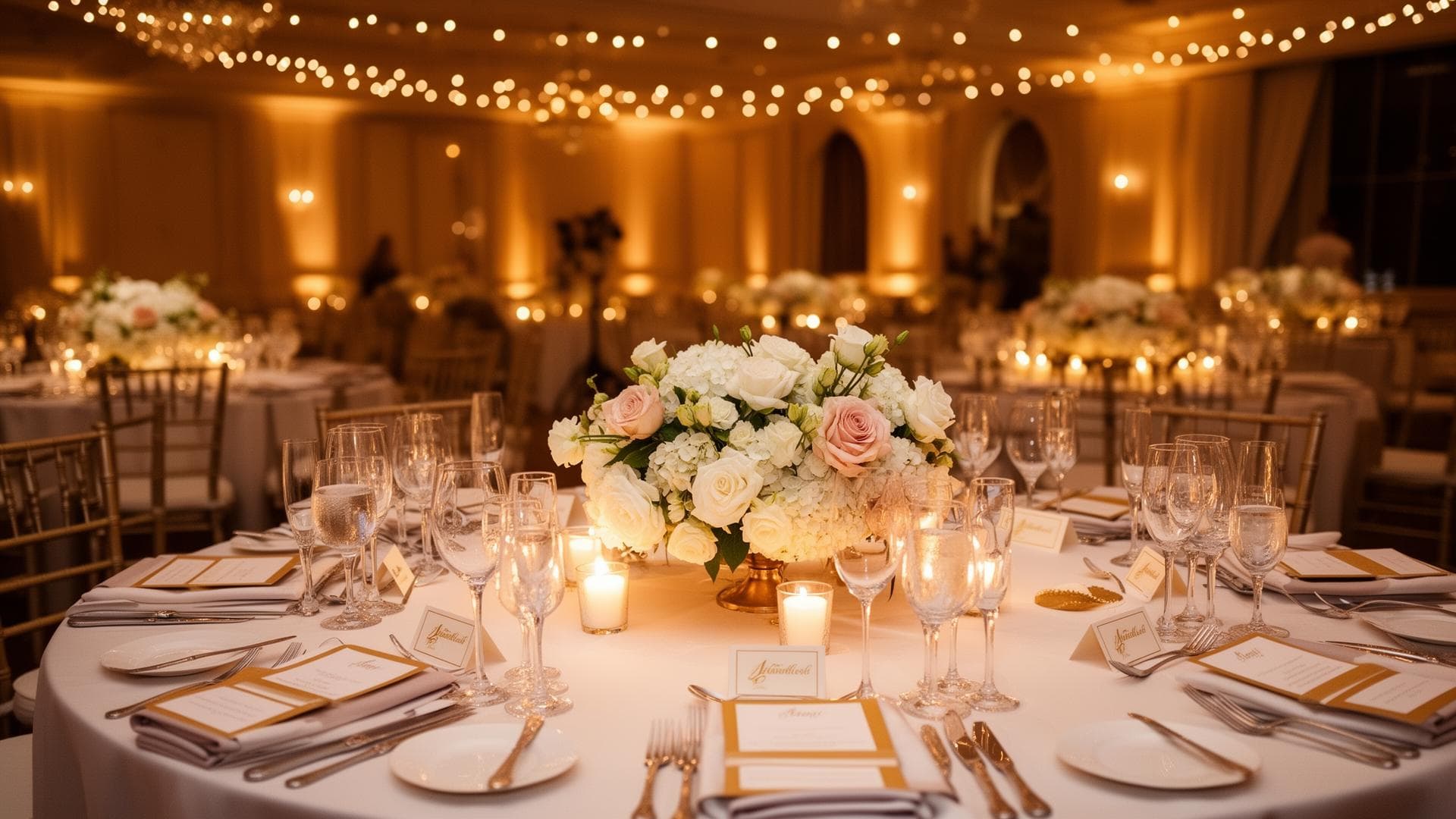
Create your wedding seating plan online – free
Create your seating plan online and for free: place tables, assign guests from the guest list and download the plan as PDF for the display stand and the venue.
Design your seating plan for freeThe seating plan and seating arrangement are among the trickiest tasks of wedding planning. Who sits where? Which guests go well together? With Zweierteam you create your seating plan online and for free, connect it with your guest list and download the finished plan as PDF for the display stand and the venue.
The plan is made online, without a Word or Excel template. You place tables, assign guests and export the seating plan as PDF - for the display stand at the entrance, the service team or your own overview.
Round tables, a long banquet table or a U shape: trace your ballroom and decide who sits next to whom. Plan the top table first, then families and friends. Tips on table shapes, conflicts and the couple's table are in our article on seating arrangements.
You use the seating plan in the browser - no installation, on your phone too. That way you handle last-minute cancellations on the go and keep the overview until the big day.
Your room, your plan
Trace your ballroom and place tables exactly where they should stand. Round tables, long banquet tables, standing tables - anything is possible. Add obstacles such as pillars, doors or the dance floor for a realistic plan.
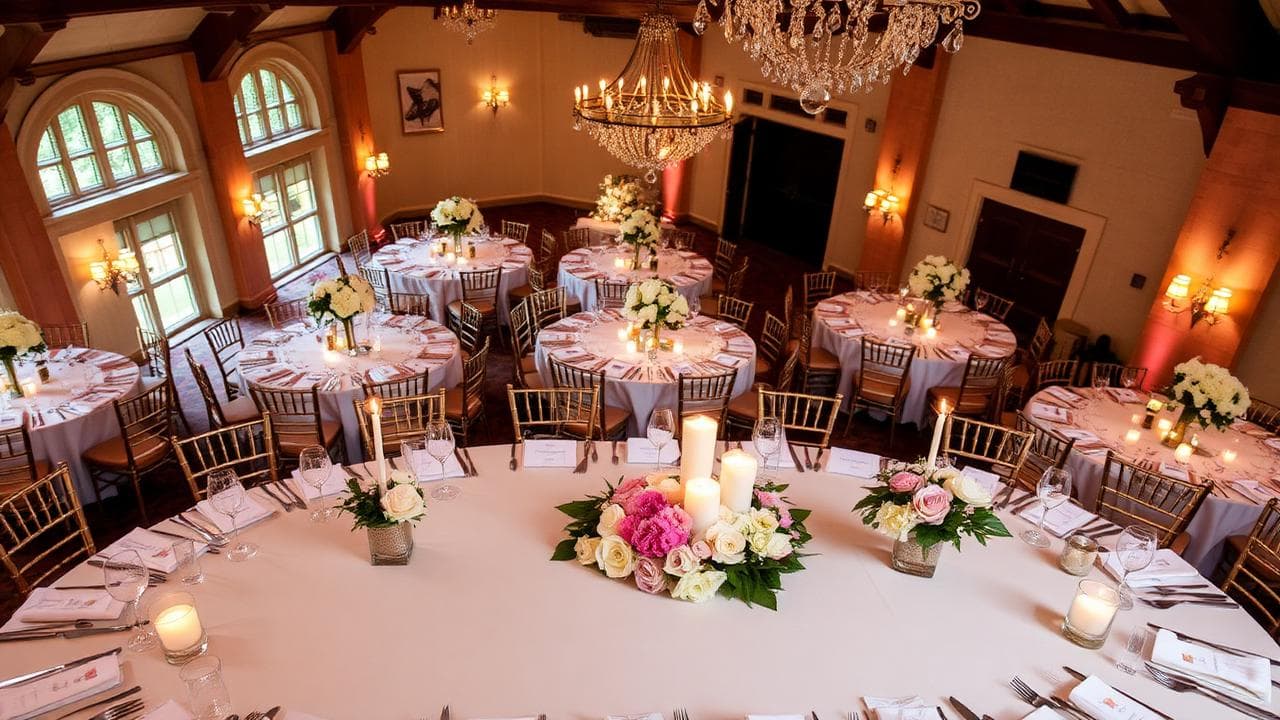
Seat guests harmoniously
Who sits next to whom? With the link to the guest list you see categories and relationships at a glance. Seat families together and make sure everyone feels comfortable - without endless slips of paper.
Seating plan features in detail
Plan the room online
Create your seating plan with an intuitive drag-and-drop editor.
Automatic placement
Get suggestions for a sensible table arrangement.
Flexible to adjust
Move guests between tables simply by drag & drop.
Live preview
See your seating layout in a realistic view.
Frequently asked questions
Ready for your seating plan?
Start for free today and create a seating plan that fits your guests.
Design your seating plan for free